
Essential Gear for High-Quality DJ Set Recording
DJ Mixer Output Selection
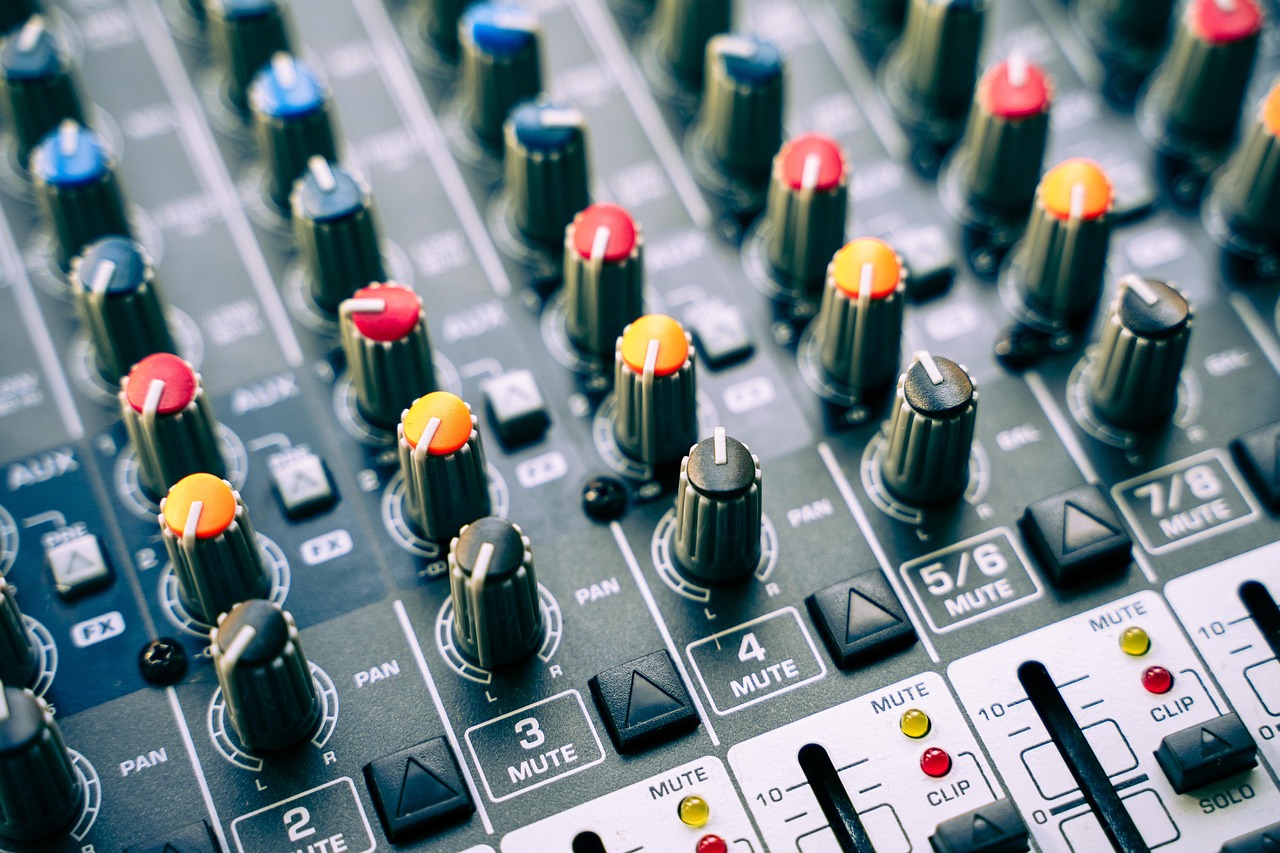
To record a DJ set with pristine sound, connect from your mixer’s dedicated master output or booth output. These provide a clean, unadulterated signal crucial for high-fidelity audio. Avoid consumer headphone or speaker outputs which compromise quality.
Reliable Audio Interface
A quality audio interface is vital for superior analog-to-digital conversion. Interfaces like Focusrite Scarlett or UAD Apollo ensure professional sound quality. Connect using balanced TRS or XLR cables to minimize noise and preserve signal integrity from your DJ setup.
Optimal Recording Software
Utilize robust recording software such as Ableton Live, Logic Pro X, Audacity, or Serato DJ Pro/Pioneer rekordbox’s native recording functions. Ensure your audio drivers are updated for stable performance and reliable capture of your DJ mix.
Optimizing Your DJ Recording Process
Crucial Gain Staging
Proper gain staging is paramount for clean audio. Set input levels on your interface and software to peak around -6dB. This provides essential headroom, preventing digital clipping and distortion in your recorded DJ set, ensuring a professional sound.
Consistent Level Monitoring
Continuously monitor your audio levels throughout your entire DJ performance. Check for unexpected peaks or drops. Use visual meters and critical listening to guarantee a consistent and dynamic recording, essential for a great listener experience.
Recording Methodologies & Post-Production
Record directly to your computer via USB, use a standalone hardware recorder, or capture via your DJ software. For ultimate high quality recording, consider light post-production, including subtle EQ and compression, to polish your final DJ set.