
Essential Gear for Recording DJ Sets
Audio Interface
An audio interface is vital. It converts your mixer’s analog output to digital for your computer. Choose models with stable drivers for reliable home DJ recording.
Recording Software (DAW)
Use a Digital Audio Workstation (DAW) like Ableton Live, Audacity, or Logic Pro. They capture, edit, and export performances. Configure DAW inputs for your interface.
Cables
RCA cables connect your DJ mixer’s main output to the audio interface. A USB or Thunderbolt cable links the interface to your computer.
Connecting Your Recording Setup
Mixer to Interface
Connect your DJ mixer’s master out (RCA) to interface’s line inputs. Ensure correct L/R for stereo.
Interface to Computer
Link your audio interface to your computer via USB or Thunderbolt. Install drivers.
Optimizing Your Recording
Setting Levels & Monitoring
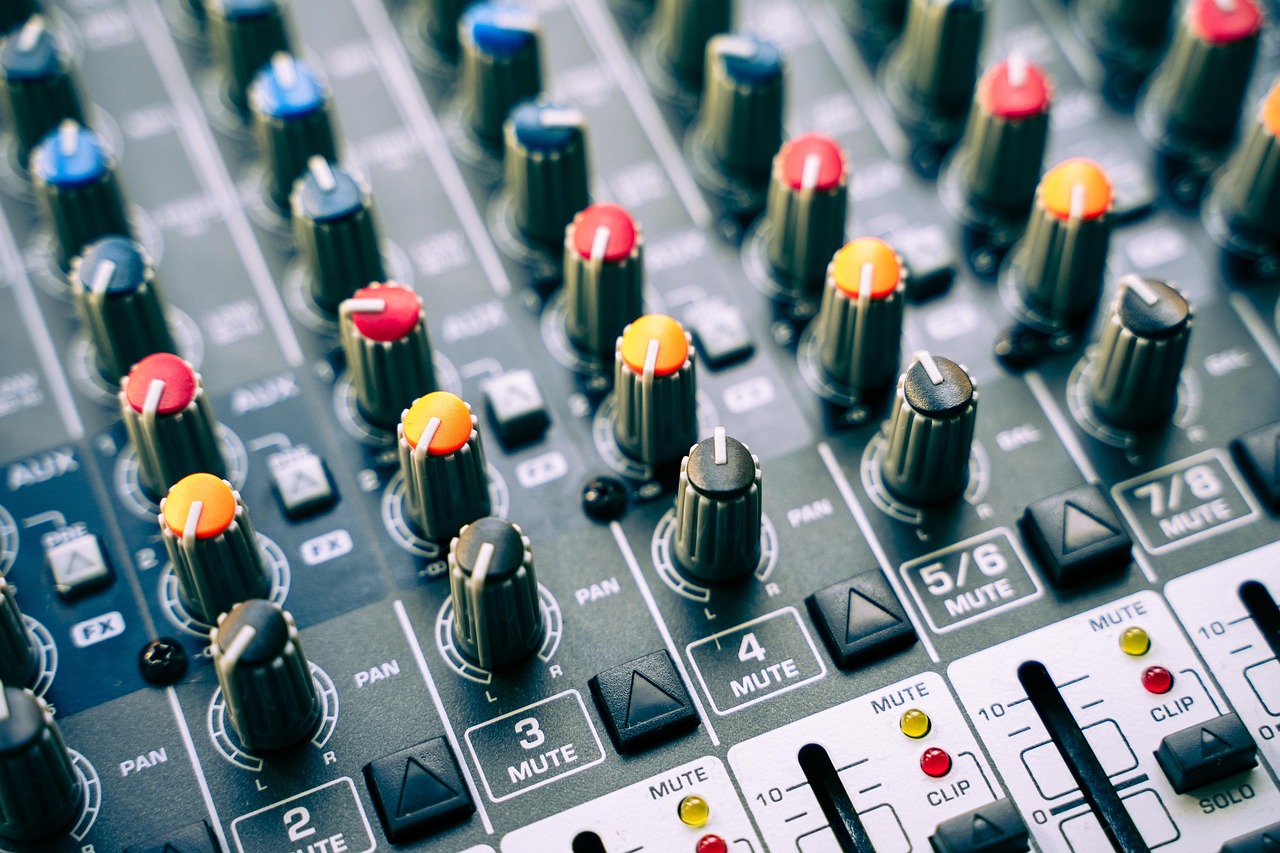
Set input levels pre-recording. Aim for peaks around -6dBFS to avoid clipping. Monitor mix via headphones from interface.
Post-Recording Tips
Normalize audio if needed. Basic editing: trim silence, subtle comp/EQ for polish.