
Best USB-C Microphones for High-Quality Podcasting and Demos
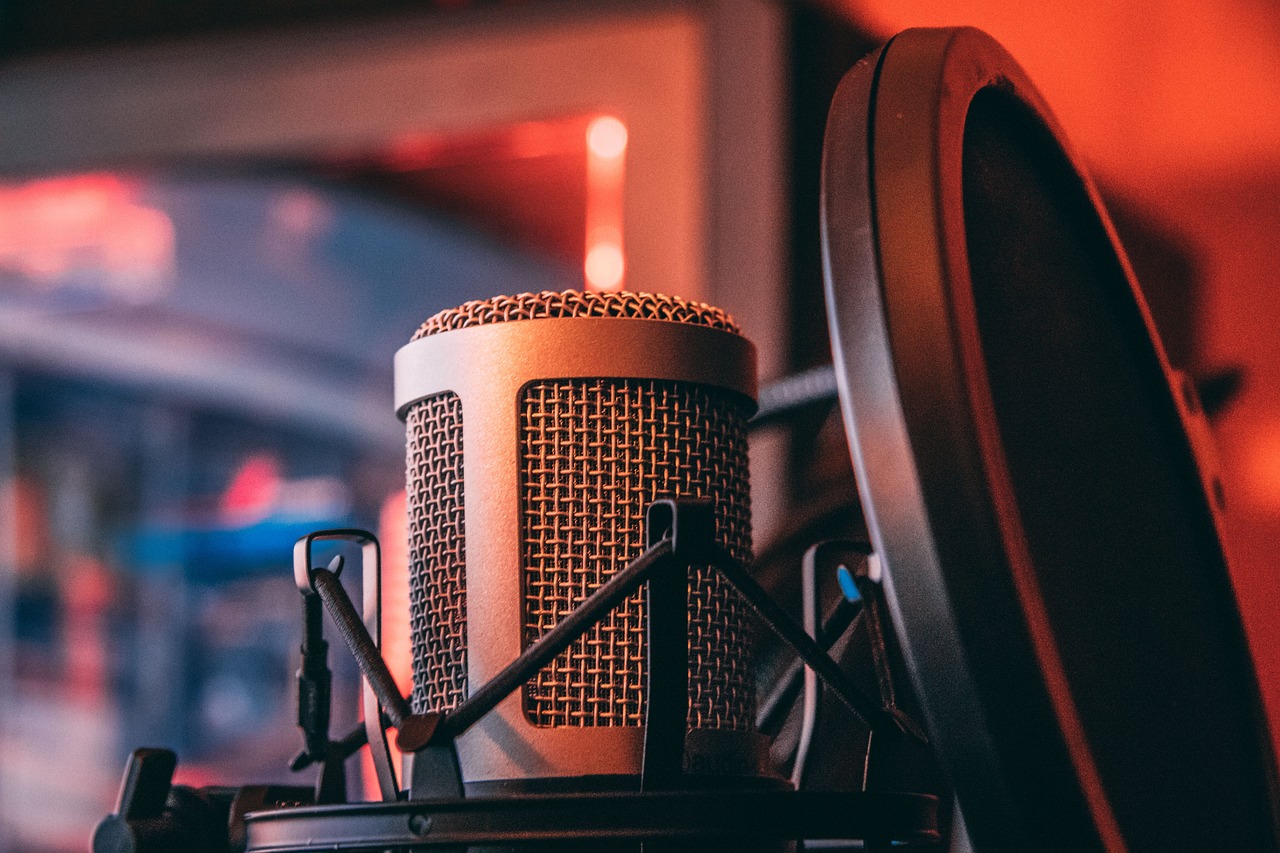
As a DJ and music expert, I’ve spent countless hours with microphones. For high-quality podcasting and demo recording, USB-C microphones are now indispensable. My top picks for superior sound and ease of use include the Shure MV7, the Rode NT-USB+, and the Elgato Wave:3. These mics deliver studio-grade audio directly to your computer or mobile device. They simplify your setup without sacrificing clarity or depth.
Why USB-C Mics Rule the Studio (and Your Backpack)
USB-C connectivity has changed the game for creators. I remember the days of clunky audio interfaces and multiple cables. Now, a single USB-C cable handles power and data. This means incredible portability. You can record a podcast from anywhere. You can lay down a vocal demo on the road. The digital audio transfer ensures pristine signal quality. There’s no analog noise to worry about. It’s truly plug-and-play simplicity. My personal workflow has become much smoother.
My Top USB-C Mic Picks for Podcasters and Musicians
I’ve personally tested many USB-C microphones. Here are the ones that consistently impress me. They offer a fantastic blend of performance, features, and value.
Shure MV7: The Hybrid Powerhouse
The Shure MV7 is a personal favorite. I’ve used it for countless voiceovers and quick demo recordings. It offers both USB-C and XLR outputs. This makes it incredibly versatile. You can connect it directly to your computer. Or, you can hook it up to a professional audio interface. The sound quality is exceptional. It captures a rich, broadcast-ready tone. The built-in headphone jack provides zero-latency monitoring. This is crucial for accurate recording. Its touch panel allows for quick adjustments. I found it very intuitive to use.
Rode NT-USB+: Studio Sound, Simplified
Rode has a stellar reputation. The Rode NT-USB+ lives up to it. I was immediately struck by its clarity. It’s a condenser microphone. This means it’s sensitive and detailed. It’s perfect for capturing nuances. My music demos sounded crisp and professional. It features an internal pop filter. This helps reduce plosives. The headphone output is also a big plus. It makes monitoring easy. This mic is a fantastic choice for serious home studio work. It rivals many XLR-only studio mics.
Elgato Wave:3: Streamer’s Friend, Podcaster’s Gem
The Elgato Wave:3 brings unique features to the table. I primarily use it for streaming. However, its audio quality is excellent for podcasts too. Its standout feature is Clipguard technology. This automatically prevents clipping. It saved me from distorted audio multiple times. The Wave Link software is powerful. It allows for virtual mixing of multiple audio sources. This is perfect for complex podcast setups. My co-hosts sound great through it. It’s a well-rounded package for content creators.
HyperX QuadCast S: The Gamer’s Choice for Pro Sound
While often marketed to gamers, the HyperX QuadCast S is a serious microphone. I included it because of its versatility. It features four selectable polar patterns. This means it adapts to many situations. You can use cardioid for solo podcasting. Stereo is great for acoustic demos. Its built-in pop filter works well. The anti-vibration shock mount is a lifesaver. It reduces desk noise significantly. My research shows its USB-C connection is robust. It delivers clear, adaptable sound. It’s a strong contender for any creator.
Key Features I Look For in a USB-C Mic
When I’m evaluating microphones, I focus on several key aspects. These ensure you get the best quality for your money.
- Sound Quality: This is paramount. I look for a high sampling rate and bit depth. This captures more audio detail.
- Headphone Monitoring: Zero-latency monitoring is non-negotiable for me. It lets you hear yourself in real-time.
- Polar Patterns: Cardioid is essential for most vocals. Omnidirectional and bidirectional add versatility.
- Build Quality: A sturdy mic lasts longer. Portability is also a factor.
- Software Integration: Good software can enhance your recording experience.
Setting Up Your USB-C Mic: My Quick Tips
Getting started with a USB-C mic is simple. Here are my best tips for optimal performance.
- Plug and Play: Most USB-C mics are truly plug-and-play. Connect it, and your computer should recognize it.
- Room Acoustics: Even the best mic needs a decent room. Reduce echoes with blankets or soft furnishings.
- Pop Filter: Always use a pop filter. It stops harsh “P” and “B” sounds. Many mics include one.
- Gain Staging: Set your gain levels carefully. You want a strong signal without clipping.
- Software Settings: Check your recording software settings. Ensure the correct mic is selected. Adjust input levels there.
Your Audio Journey Starts Here
Choosing the right USB-C microphone is a big step. It directly impacts your podcast’s quality or your demo’s impact. The microphones I’ve highlighted offer incredible performance. They blend professional sound with modern convenience. I encourage you to consider your specific needs. Are you podcasting solo? Recording music with an acoustic guitar? Each mic has its strengths. My experience tells me that investing in good audio always pays off. Start your audio journey today!